SteerCamp

Built for ops, support, and finance teams

Your team is at capacity.Another hire is the slow, expensive way out.

A crew of agents takes the tasks, uses your apps, and works on computers in the cloud. You steer them from one workspace.

  • More hands, no new hires
  • Tasks that move themselves
  • Uses the apps you have
  • Your model, your key
  • Does the work
  • Keeps going after hours

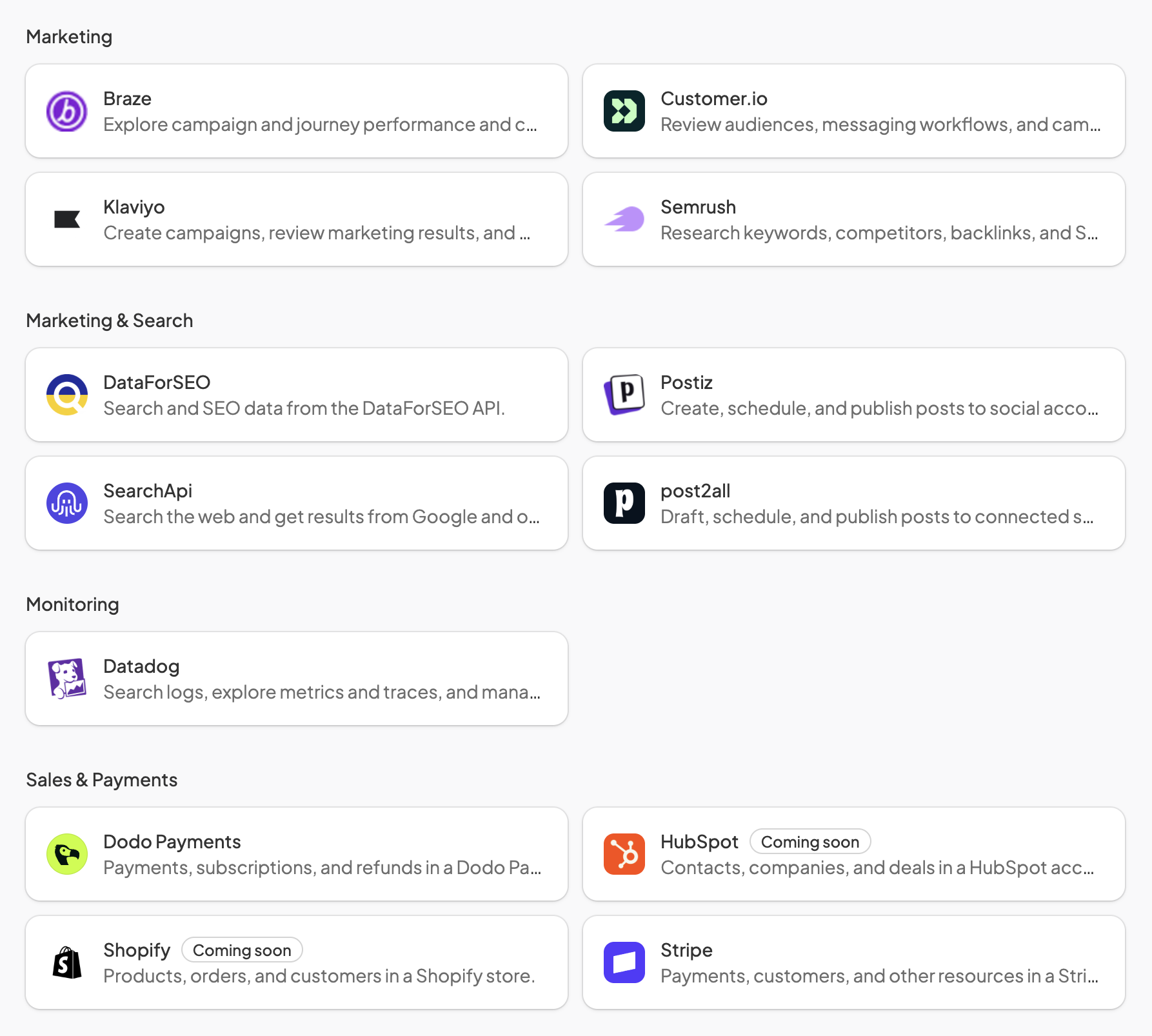
Works with the apps your team already runs on

The SteerCamp deck

The crew at work

Hand off a task. Watch it reach done.

A refund moves through the crew. Issued in Stripe, logged in Notion, checked on a computer, and confirmed in Slack.

  • Issues the refund

  • Logs it in Notion

  • Checks the portal

  • Tells the customer

Refund

How it works

Set up camp. Hand out the work. Steer.

Your crew works from one camp, with its own computers, your apps, and a shared board. You watch and steer from the deck.

01Camp

A crew that works from your camp

Each member has a name, a role, and instructions you write. Add as many as the work needs.

  • Crew

    Members you name, brief, and talk to like teammates.

  • Own computer

    A cloud desktop with a browser for hands-on work.

  • Apps

    Connect your team's tools and pick what needs approval.
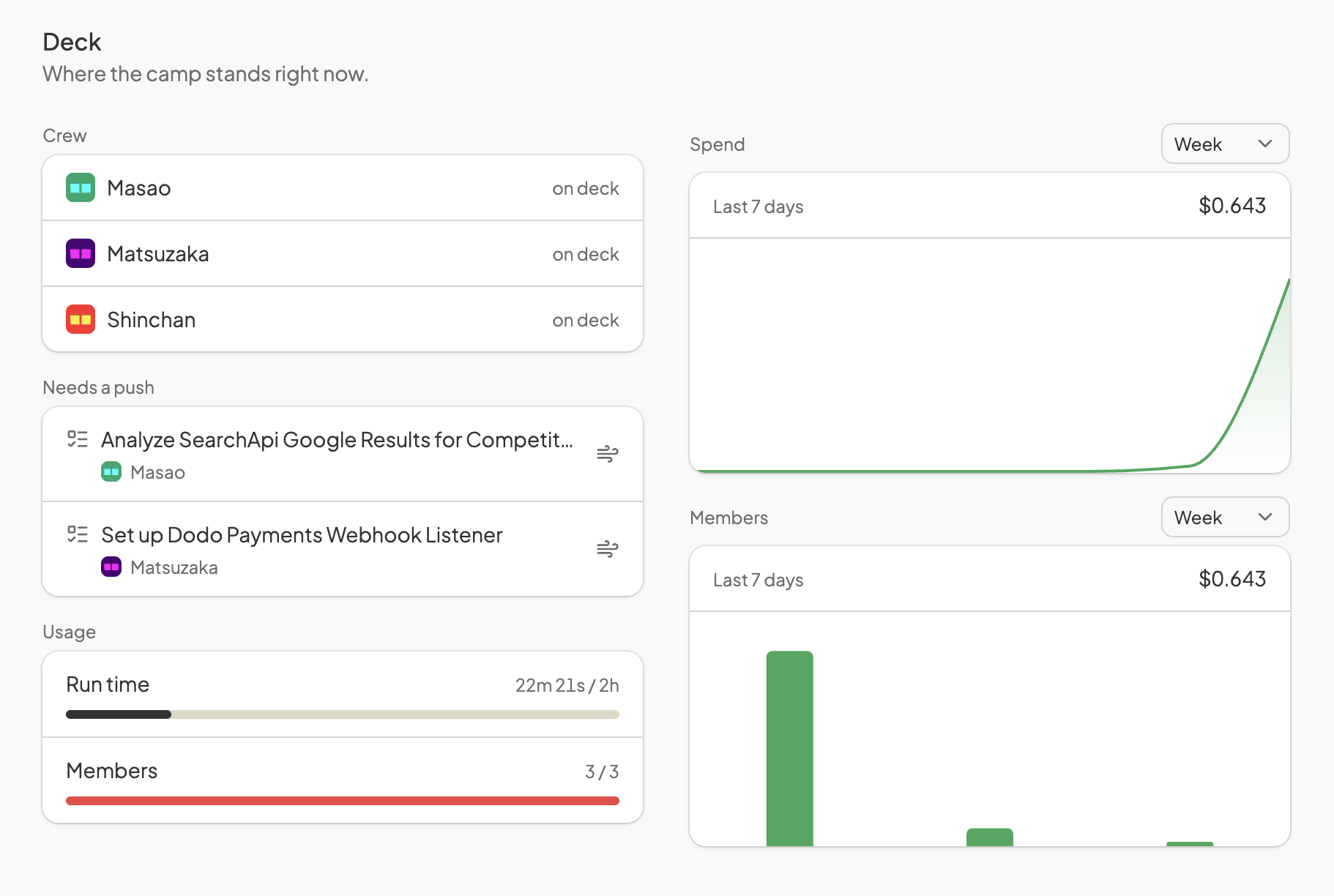
Camp screenshot

02Memory

Remembers what it learns

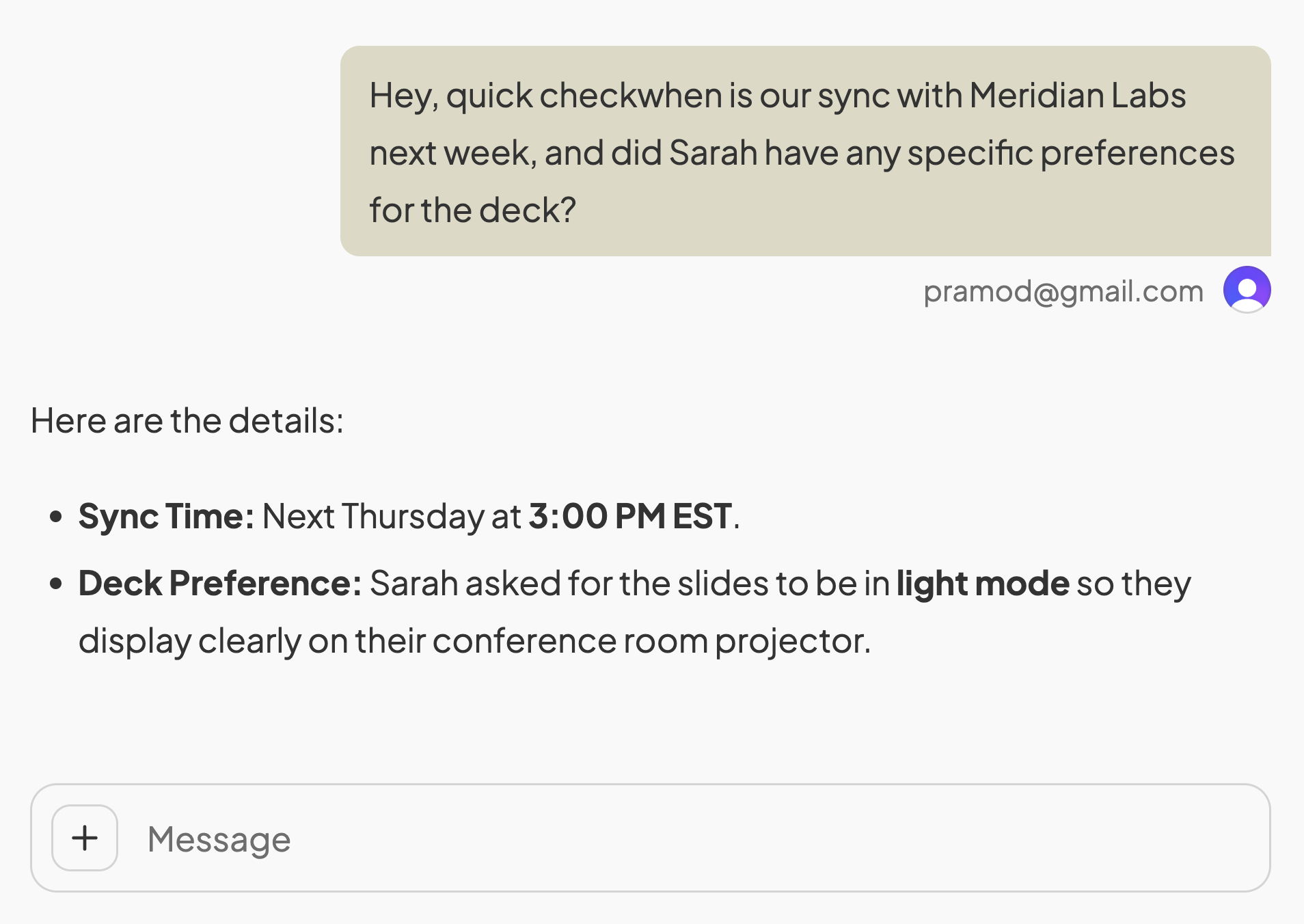
Members save facts about your team, customers, and preferences, then recall them on the next job.

Memory screenshot

03Schedules

Work that shows up on time

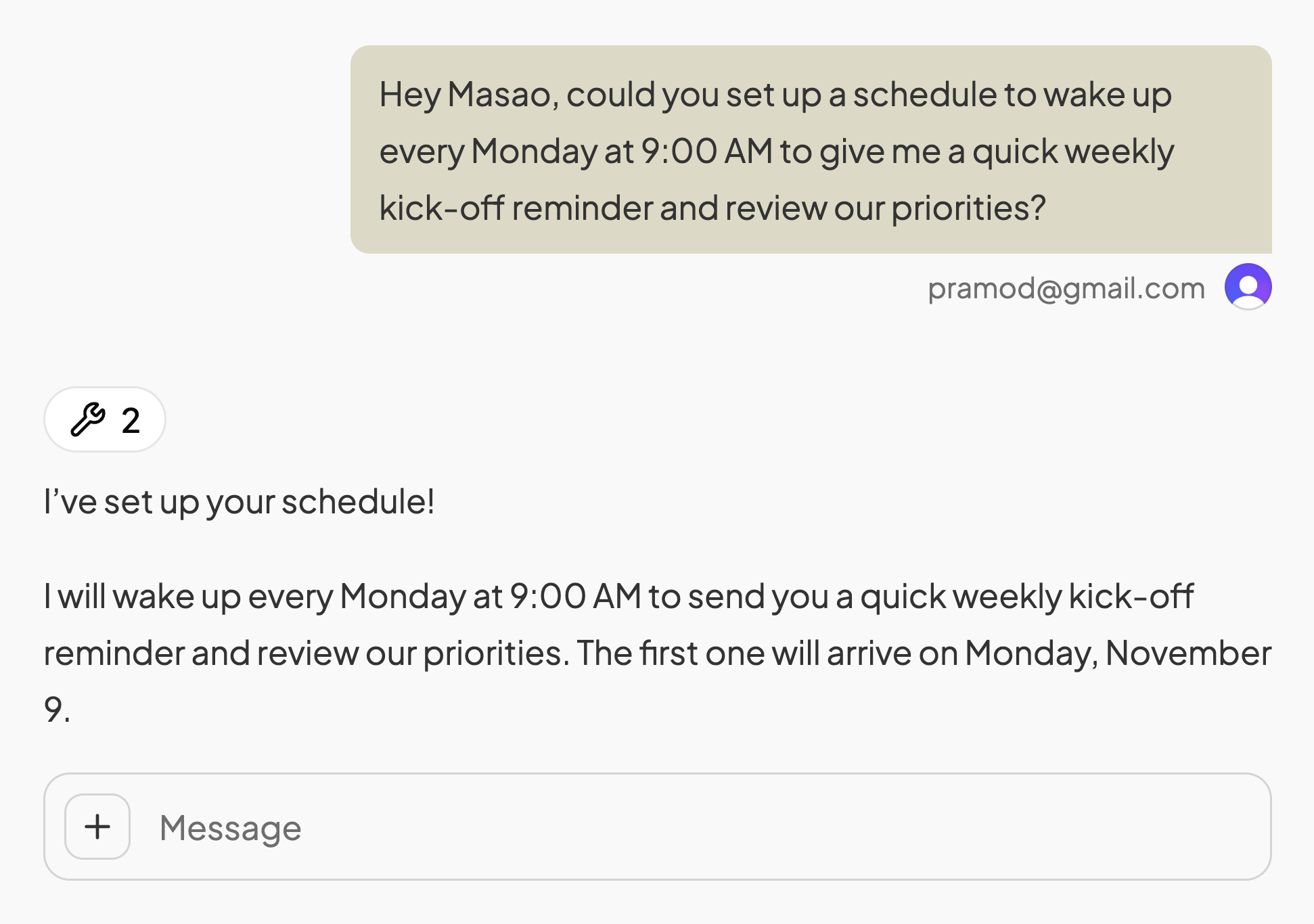
Set a schedule and a member wakes up to send the report, check the inbox, or follow up.

Schedules screenshot

04Tasks

One board for the whole crew

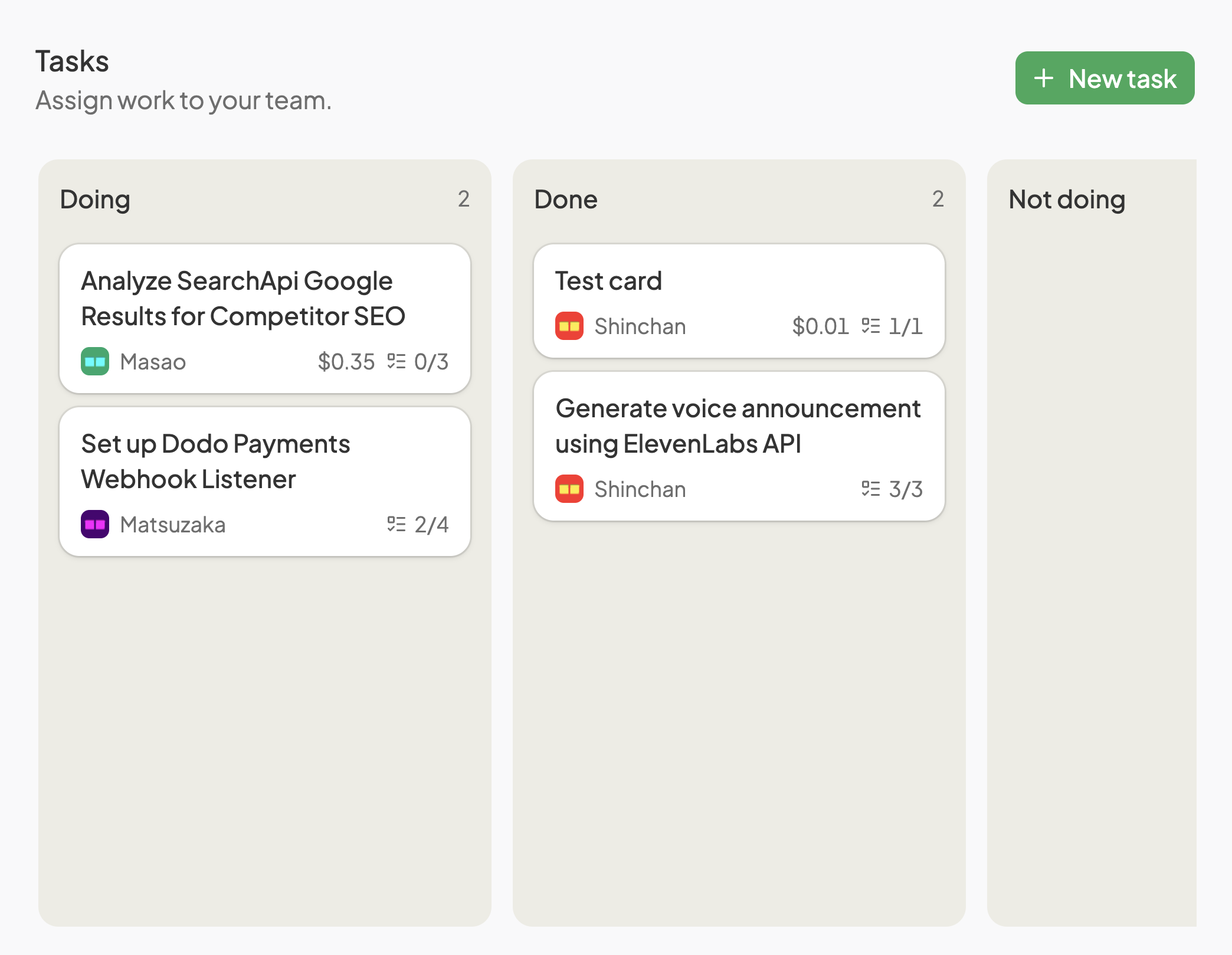
Drop a task on the board and a member picks it up, plans the steps, and carries it to done.

  • Assign a member

    Give a card an owner and they start right away.

  • Handover and delegate

    Members bring in teammates when a job needs more hands.

  • Move tasks

    Cards travel from backlog to done as the work happens.

  • Attachments

    Files stay on the card for the crew and for you.

Tasks screenshot

05Deck

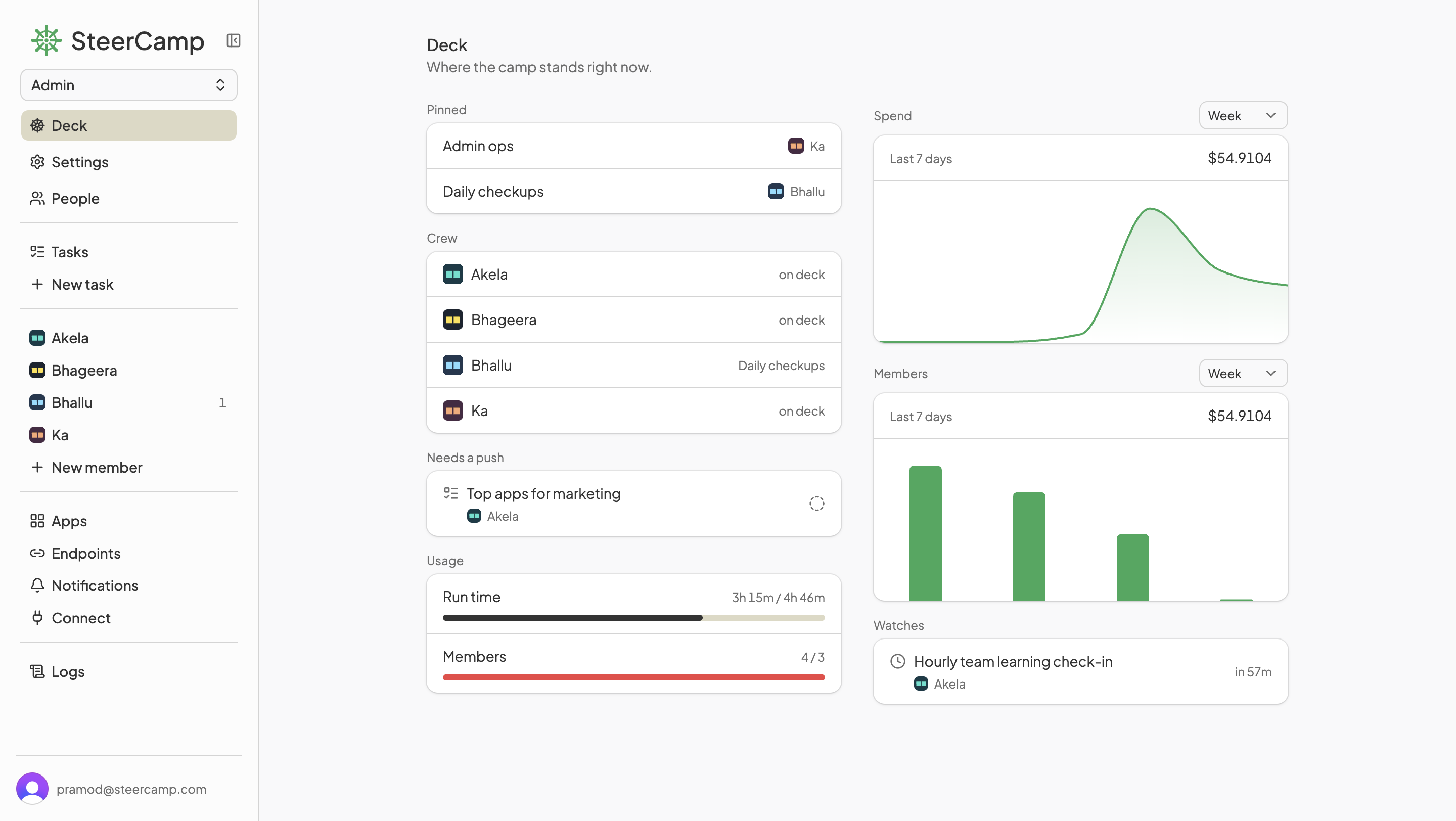
Everything in view from the deck

See what each member is doing, what needs a push, and what it all costs.

  • Notifications

    Updates in Slack, Discord, or Google Chat as work lands.

  • Logs

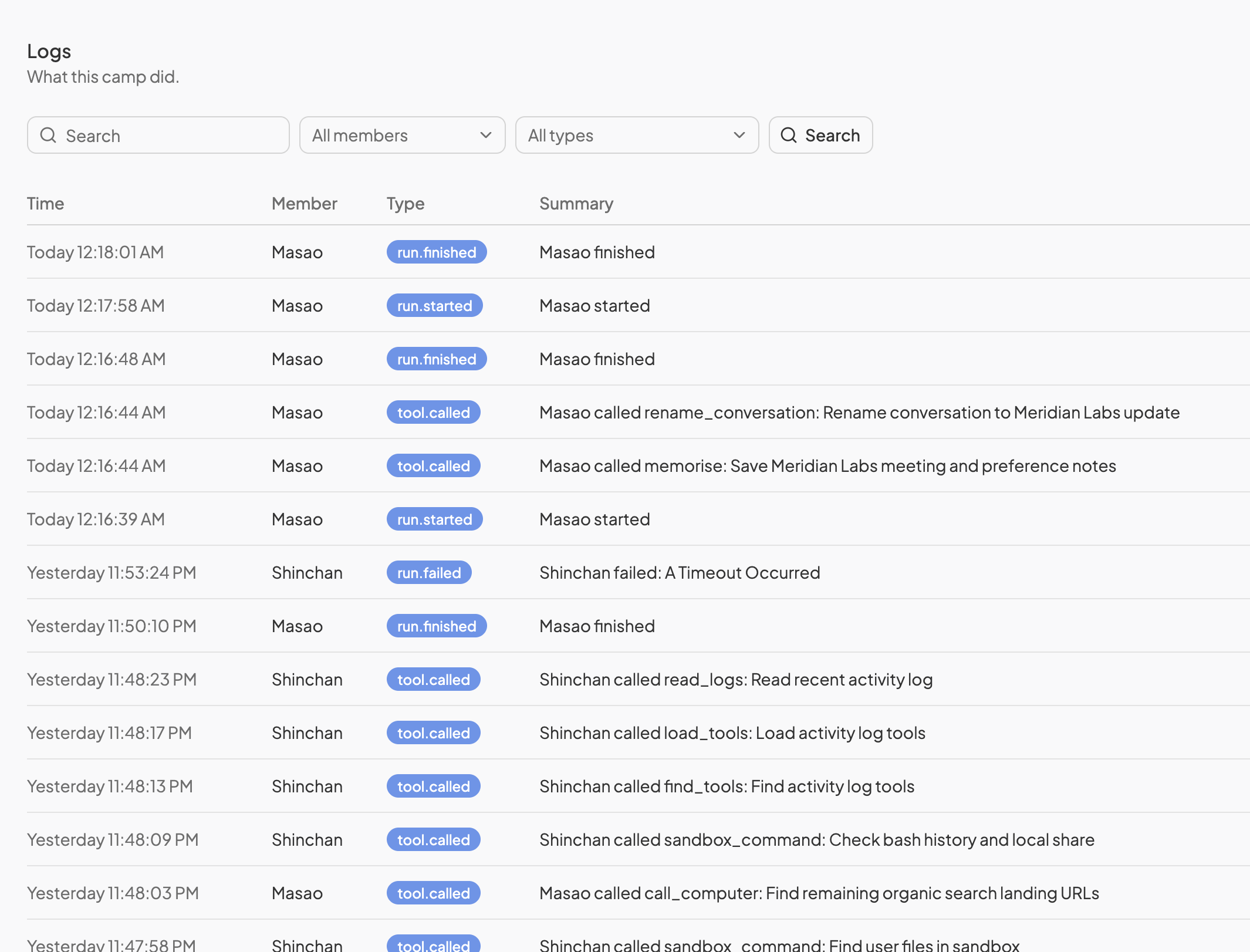
    Every action and tool call, recorded in one place.

  • Endpoints

    Other apps post events that wake a member.

  • Budget and control

    Spend by member and model, with approvals on key actions.

Deck screenshot

06Steer

You stay at the helm

Pick the model, set the limits, and teach new skills. The crew handles the rest.

  • Your own LLM

    Bring your OpenRouter key and choose a model per member.

  • Budget limits

    Set a ceiling on what the crew can spend.

  • Skills

    Teach a playbook once and every member can follow it.

  • Get work done

    Hand off the busywork and get your hours back.

Steer screenshot

Pricing

One plan for the whole crew

A flat monthly price for the workspace. Your crew runs on your own OpenRouter key, and you pay OpenRouter directly for model usage.

Crew

7-day free trial

$49/ month

Bring your own OpenRouter key. Model usage is billed by OpenRouter.

Start 7-day trial

7 days free, then $49 a month.

Everything in the workspace

  • 25 crew members
  • 20 hours of run time a month
  • A cloud computer for each member
  • Connect the apps your team uses
  • Shared task board with handovers
  • Schedules, memory, and skills
  • Slack, Discord, and Google Chat updates
  • Endpoints for your other apps
  • Logs and spend by member

Pick any model on OpenRouter and set it per member.

FAQ

Questions, answered

The short version of what teams ask before they set up camp.

Is the AI included in the monthly plan?

The monthly plan covers the SteerCamp platform. For the AI, you bring your own OpenRouter API key and pay OpenRouter directly for what your crew uses.

How is this different from ChatGPT or Claude?

SteerCamp gives you a crew. Each member has a role, a cloud computer, and tasks to finish, and they hand work to each other while you watch from one workspace.

How does pricing work?

One plan at $49 a month, with a 7-day free trial. You bring your own OpenRouter key and pay OpenRouter directly for model usage.

Do members do real work?

Yes. Each member has its own cloud computer to browse websites, run code, edit files, and use your apps, then hands you the finished work.

Can members work together?

Yes. They share one task board, message each other by name, and hand off steps. One researches, another drafts, and a third reviews and moves the card to done.

Does the crew keep working when I step away?

Yes. Put a member on a schedule, like a digest at 8 AM or a report every Monday. Members also wake up when another app sends an event.

How do I stay in control?

Every task sits on a board with clear stages, and every action is in the logs. Tools can wait for your approval before they run.

Does it work with our apps?

Yes. Connect apps from the catalog or any MCP server. Members post updates to Slack, Discord, and Google Chat, and webhooks can wake them.

Do I need to code?

Creating a member takes a name and a job described in plain English. If you can use a chat and a to-do board, you can run a crew.

Give your team more hands this week

Start a 7-day trial, add your OpenRouter key, and hand the crew its first task today.